

Download PDF Reader Proxy APK – PDF Reader, Editor, VPN, Proxy, Text-to-Speech
Overview
PDF Reader Proxy is a free document management application designed for Android devices, developed by Desoline. The software serves as a multifunctional tool that enables users to view, edit, annotate, and share PDF files with ease. It addresses common challenges associated with accessing and manipulating PDF documents, particularly for individuals who need portable, secure, and feature-rich solutions on mobile platforms. The app targets both personal and professional users, including students, remote workers, freelancers, and anyone managing digital paperwork on the go.
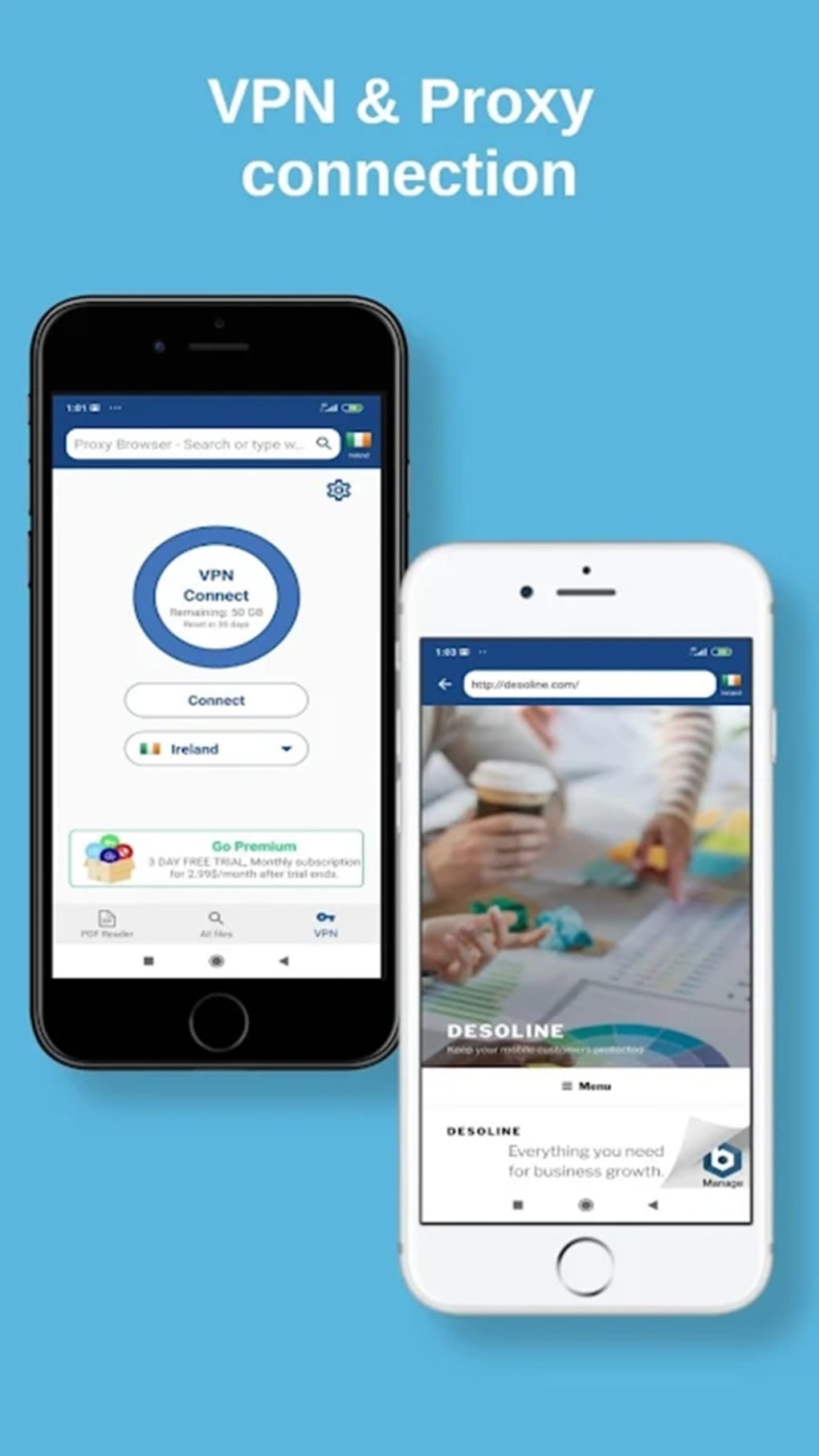
One of its defining characteristics is the integration of built-in proxy and VPN capabilities, setting it apart from standard PDF readers like Adobe Acrobat DC or Xodo PDF Reader Editor. This feature allows users to enhance their online privacy while browsing or downloading files, providing an additional layer of protection against online threats. The software supports core PDF functionalities such as text highlighting, commenting, e-signature insertion, and file sharing via messaging apps or cloud links. These features make it suitable for tasks ranging from academic research and contract review to document collaboration and remote submissions.
Key Features & Capabilities
- PDF Viewing and Editing – Users can open, read, and modify PDF files with intuitive tools for text editing, form filling, and layout adjustments.
- Annotation Tools – Includes highlighting, underlining, commenting, and drawing features to support collaborative document review.
- E-Signature Support – Allows users to digitally sign documents directly within the app, streamlining workflows for contracts and official forms.
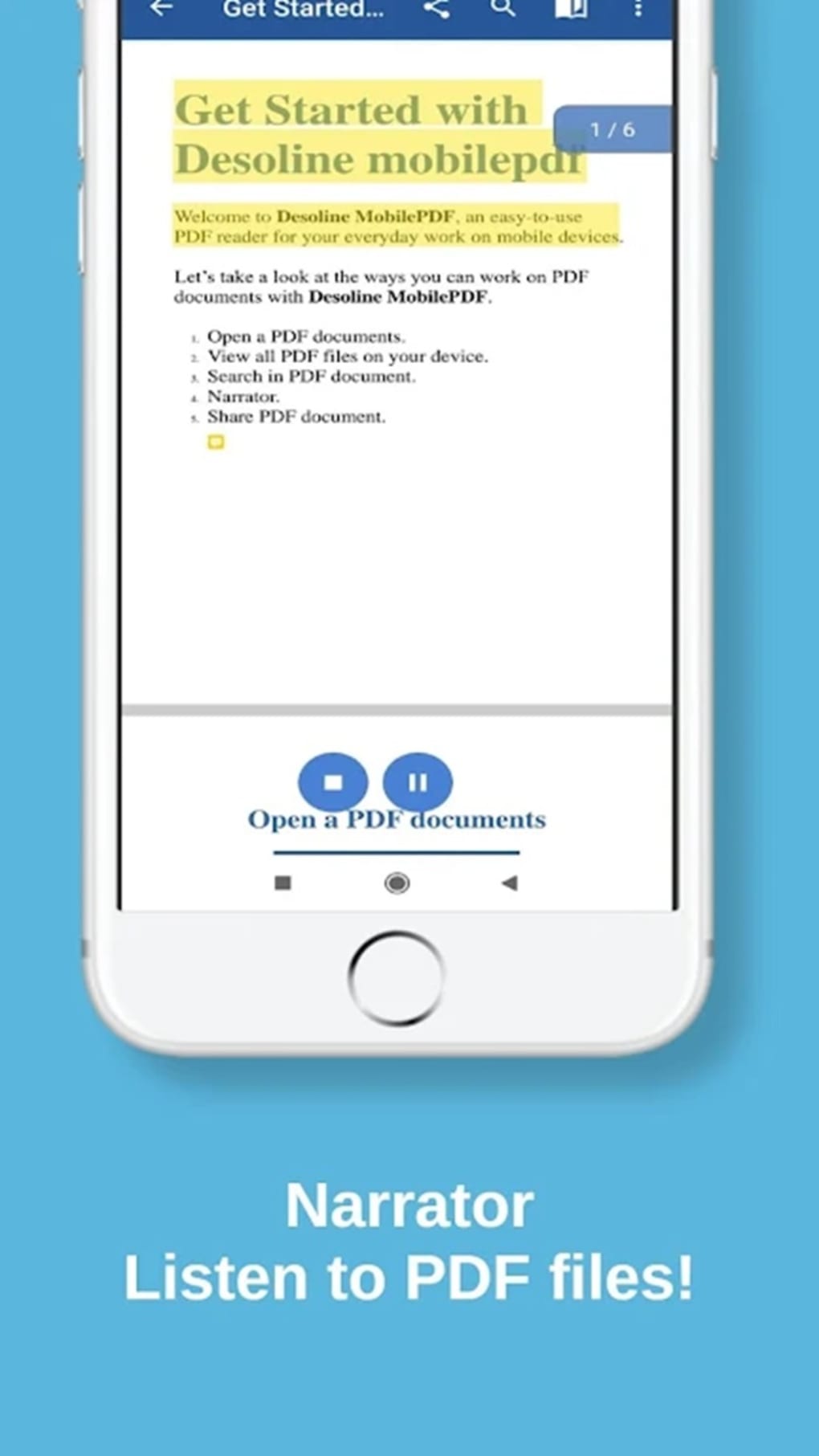
- Text-to-Speech (Narrator) – Enables audio playback of document text, beneficial for accessibility and multitasking scenarios.
- Built-in Proxy and VPN – Offers secure internet routing through servers located in the USA, European Union, and Asia, enhancing online privacy during web browsing.
- File Sharing Options – Supports direct sharing via messaging platforms and cloud storage links for seamless collaboration.
These capabilities are particularly useful in real-world scenarios such as reviewing legal documents remotely, preparing academic papers, or completing work-related forms while traveling. The combination of document editing and network privacy features makes it a versatile tool for users who value both productivity and security on mobile devices.
User Interface, Workflow & Performance
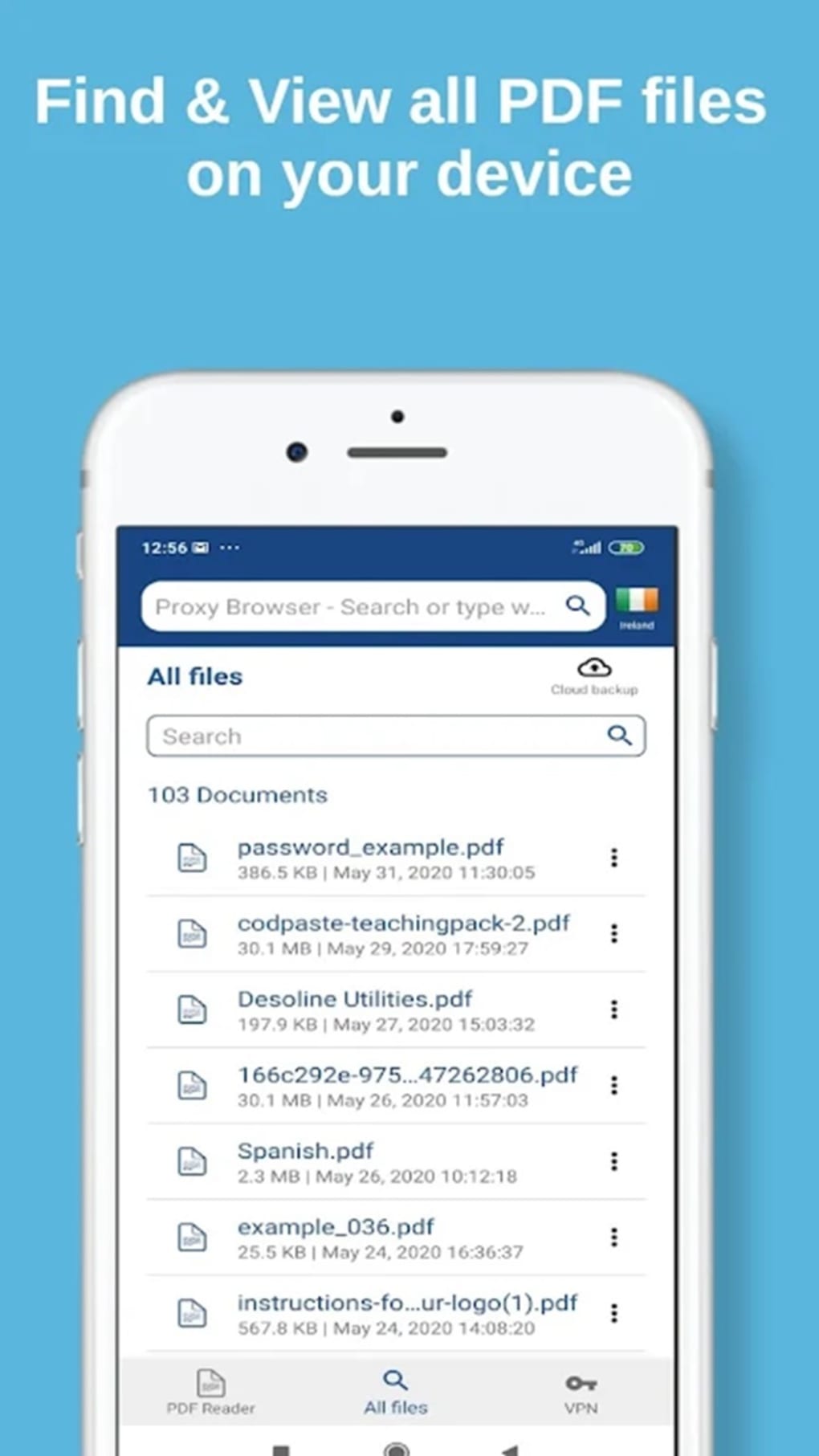
The user interface of PDF Reader Proxy is structured around a clean, functional layout focused on core document tasks. Navigation is straightforward, with main actions accessible through a central toolbar and menu options. Users can open files from internal storage or cloud services, perform edits, and export or share documents with minimal steps.
Workflow efficiency is generally high for basic to intermediate PDF tasks, allowing users to complete document reviews and edits in a timely manner. However, the interface design appears minimalistic and may feel outdated compared to more modern alternatives. The developer did not specify resource usage details, so CPU and RAM behavior cannot be confirmed. Performance observations are based on general software behavior patterns.
Regarding stability, the app functions reliably for standard operations such as viewing and annotating documents. However, the built-in VPN service has reported inconsistencies in connection speed and stability, which may affect user experience during extended browsing sessions. No information was provided about crash frequency or background performance.
Compatibility & System Requirements
PDF Reader Proxy is designed for Android devices and is compatible with most versions of the operating system. The application is available as an APK file, indicating it is distributed outside official app stores. The installation size is not specified in the provided information.
Exact system requirements were not listed. Platform compatibility information is limited to Android, with no details on minimum hardware specifications such as processor type, RAM, or storage space. The developer did not provide additional system requirements. Users should ensure their device meets general Android app installation standards when using this software.
Pros and Cons
Pros
- Free to download and use with no advertisements
- Combines PDF editing with built-in proxy and VPN functionality
- Supports essential document tasks: viewing, editing, annotating, and signing
- Includes text-to-speech for improved accessibility
- Offers server locations across the USA, EU, and Asia for routing
Cons
- VPN performance may vary with inconsistent speeds and connection stability
- User interface design appears outdated and lacks visual polish
- No official app store distribution; downloaded via APK
- Limited information on system requirements and resource usage
- Feature integration between PDF tools and network functions is not clearly explained
FAQ Section
Is PDF Reader Proxy available on the Google Play Store?
The app is distributed as an APK file, indicating it is not available through official app stores like Google Play.
Does PDF Reader Proxy require an internet connection?
Yes, an internet connection is required for downloading files, using the built-in proxy or VPN, and sharing documents via cloud services.
Can I use the VPN feature without opening a PDF file?
Yes, the proxy and VPN functions can be used independently of PDF operations for secure browsing.
Is the software safe to use?
The app is free of ads and does not appear to collect user data based on available information. However, users should exercise caution when installing APKs from third-party sources.
Does PDF Reader Proxy support document encryption or password protection?
Information on encryption or password handling was not provided in the available details.
Final Thoughts
PDF Reader Proxy stands out as a unique Android solution that merges document management with network privacy features. Its ability to function as a full-featured PDF editor while offering built-in proxy and VPN services makes it a compelling choice for users seeking an all-in-one mobile tool. While the interface could benefit from a modern redesign and the VPN performance is inconsistent, the core functionality remains solid and accessible.
For individuals who prioritize free, ad-free software and value the convenience of combining document editing with secure browsing, PDF Reader Proxy offers real utility. It is particularly suited for students, remote professionals, and privacy-conscious users who manage documents on the move.
Download PDF Reader Proxy now






.png)
